Built for
- Owner
- Office Manager
- Operations Manager

Integrations
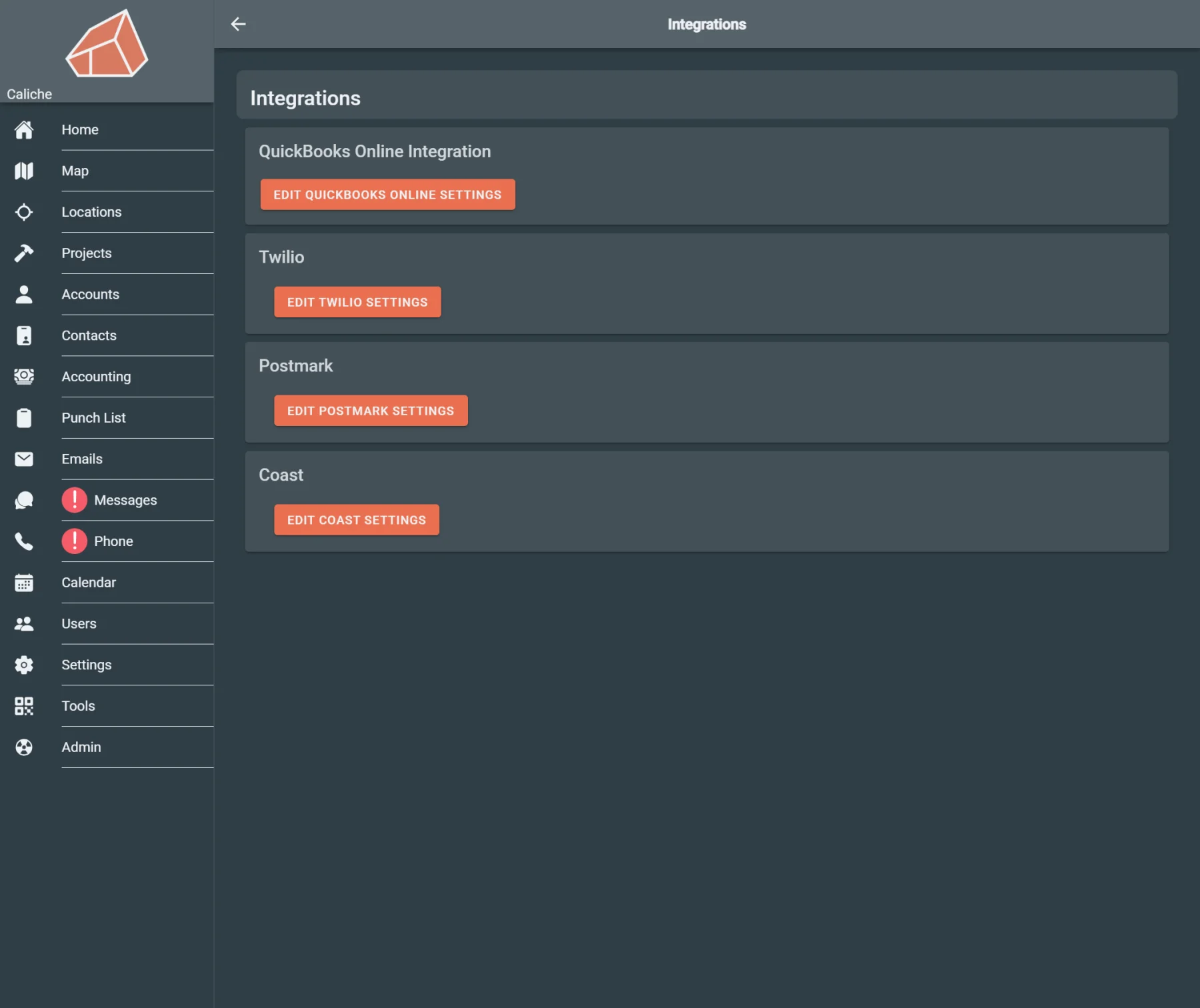
Connect Caliche operations with accounting, payment, phone, email, banking, and expense workflows where integrations are configured.
Built for
Helps with
Executive summary
Help office teams review integration settings for accounting, payments, phone, email, banking, and expense workflows from the same platform they use to manage daily operations.
Why it matters
A construction office often uses multiple tools around the work happening in the field: accounting software, phone systems, email providers, payment tools, bank connections, and expense workflows.
When those systems are managed away from operations, the office has to check connection status separately, re-enter information, or manually move context between tools.
That creates extra admin work and makes it harder to know whether billing, communication, payment, and accounting workflows are connected the way they should be.
Caliche keeps integration settings closer to the construction workflows they support.
Capabilities
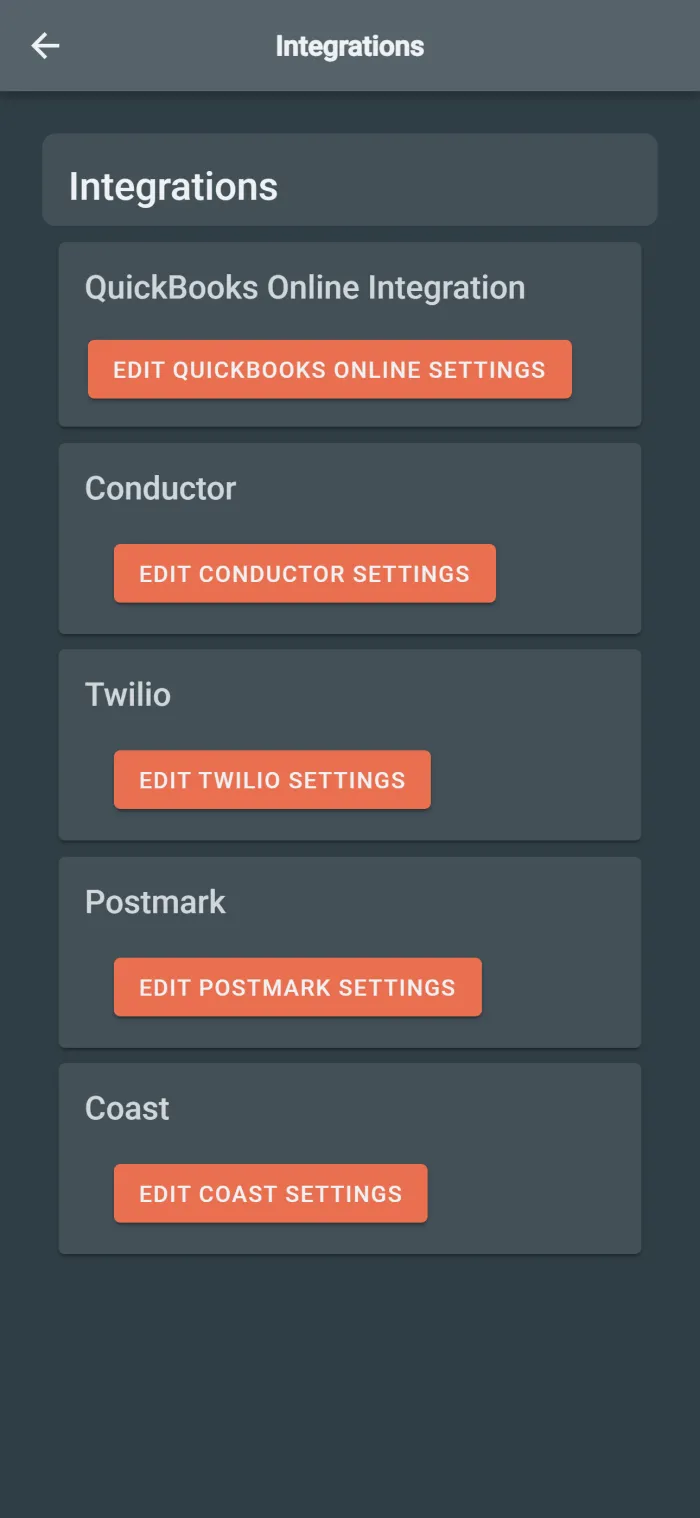
Review available connection options and integration status from the integrations workspace.
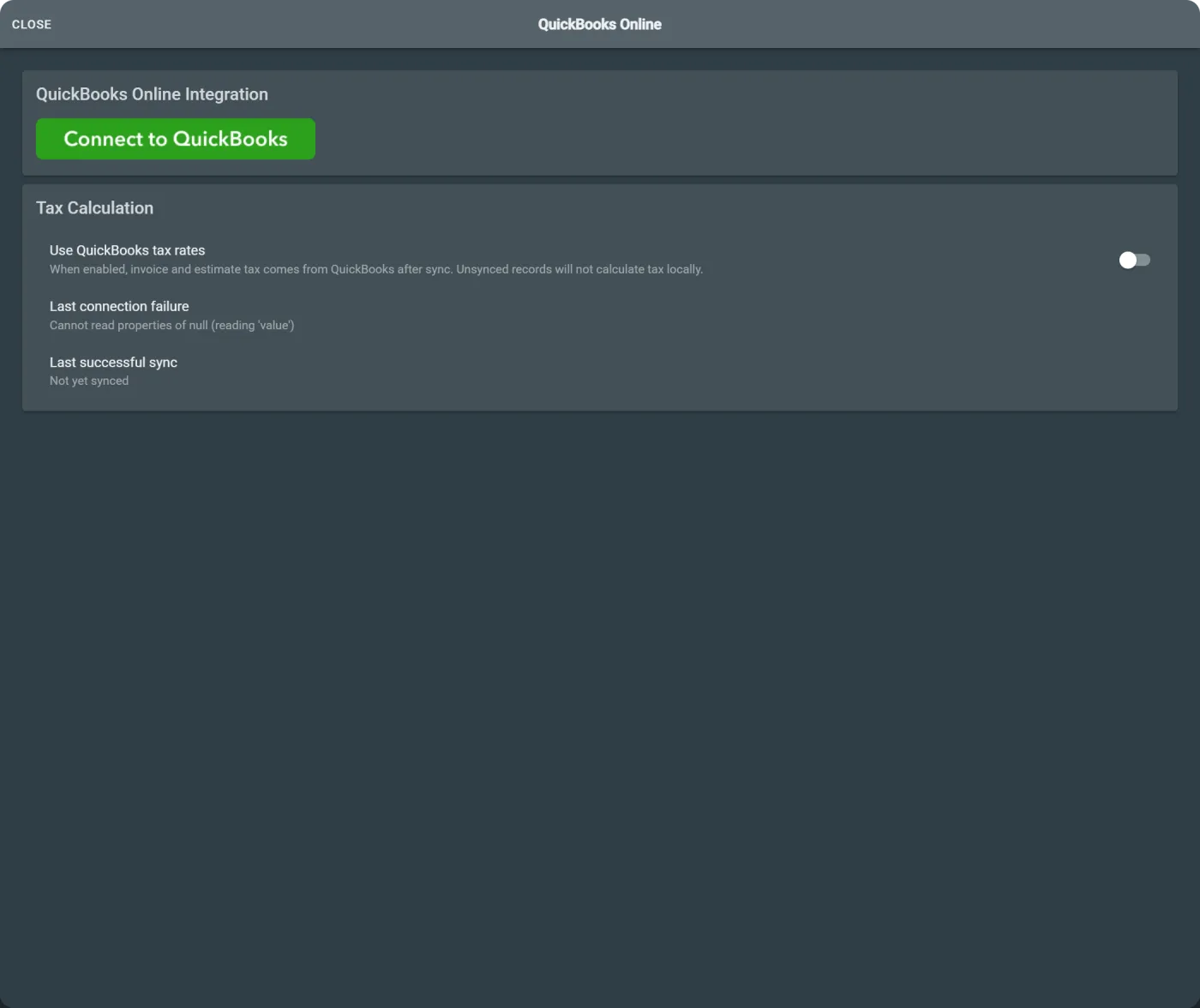
Check accounting connection context when office workflows depend on QuickBooks or Intuit.
Keep payment-related setup closer to billing and office workflows.
Check communication provider setup for workflows that depend on phone, voicemail, email, or message delivery.
Use integrations to support cleaner handoffs between Caliche operations and the systems your office already uses.
Manage integration context from the same platform used for projects, billing, communication, and account administration.
Workflow example
An office manager wants to confirm whether accounting and communication systems are connected correctly. They open the integrations workspace, review connected services, check QuickBooks or Intuit status, and confirm the phone, email, payment, or banking connections needed for daily office workflows.
Instead of treating integrations as a separate technical setup checklist, Caliche keeps them tied to the operational workflows they support.
Team outcomes
Who uses this
Questions
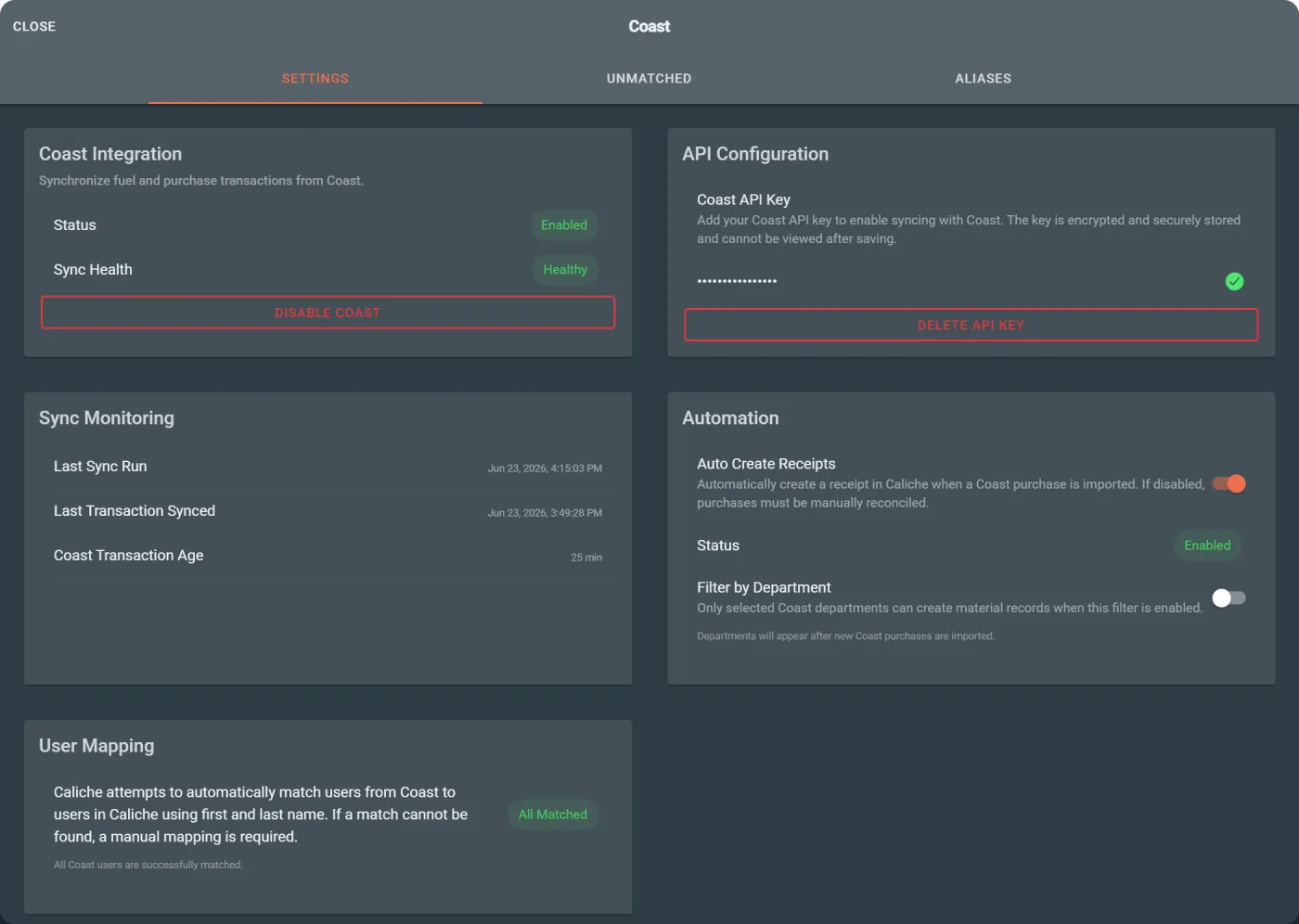
The integration content references QuickBooks/Intuit, Conductor, Twilio, Postmark, Square, Plaid, and Coast workflows where configured.
Yes. Intuit authorization and QuickBooks connection context are part of the integration workflow.
Yes. The integration workflow includes communication provider context such as Twilio and Postmark where configured.
No. Caliche positions integrations around the operational workflows they support, including accounting, payment, phone, email, banking, expense, and office administration workflows.
Next step