Built for
- Owner
- Office Manager
- Project Manager

Accounting
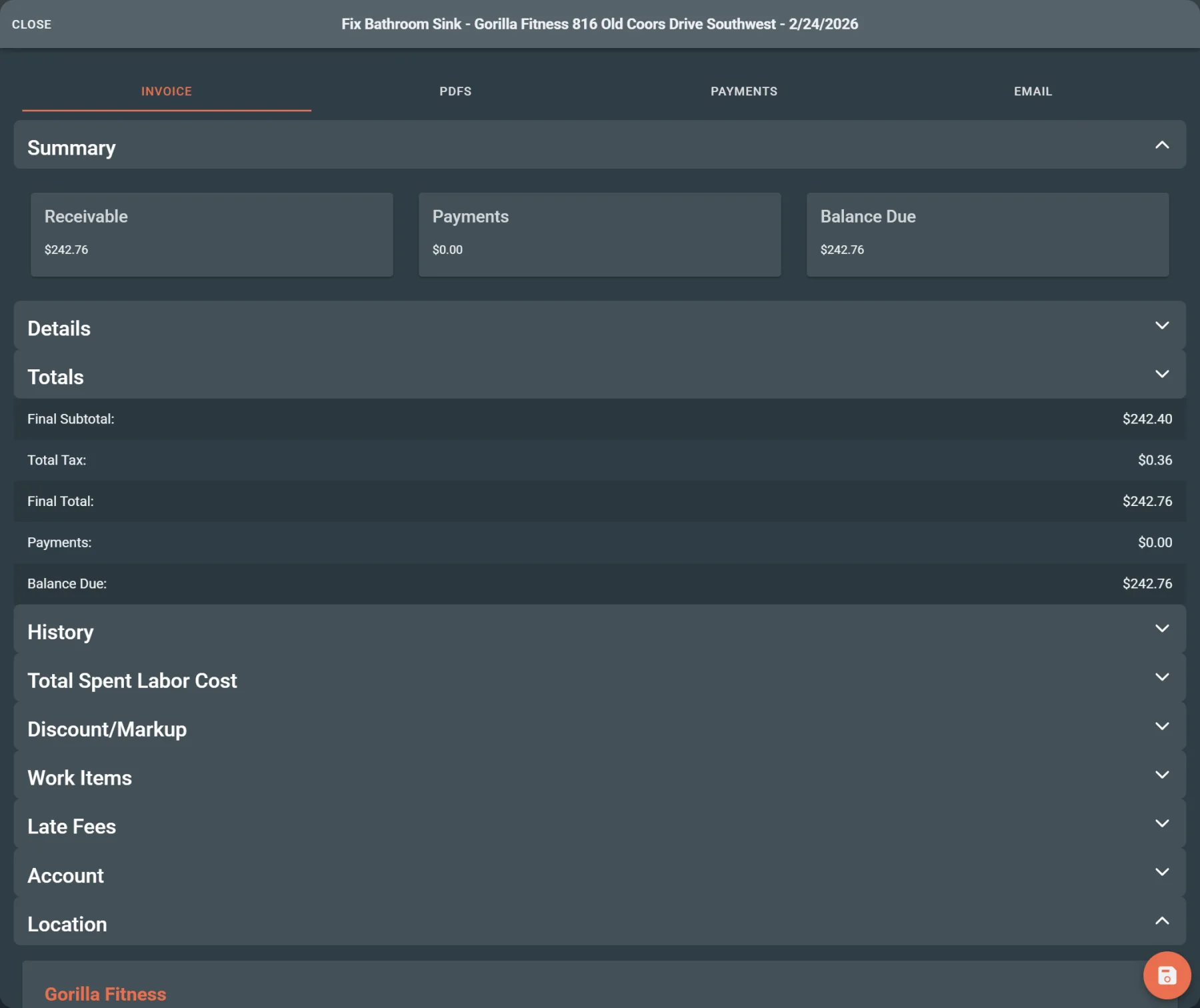
Move approved estimates into invoices, track payment status, and keep billing follow-up tied to project records.
Built for
Helps with
Executive summary
Help office teams create invoices, review payment status, and follow up on unpaid work while keeping estimates, invoices, payments, and project records connected.
Why it matters
A customer approves an estimate. Field work moves forward. The office is ready to bill, but the estimate, project record, invoice status, and payment history are not always easy to review together.
When billing context is scattered, the office has to rebuild the story before creating an invoice or following up on payment:
Caliche keeps billing workflows closer to the project records and payment follow-up around them.
Capabilities
Use invoice creation to move approved estimates or project work into billing review.
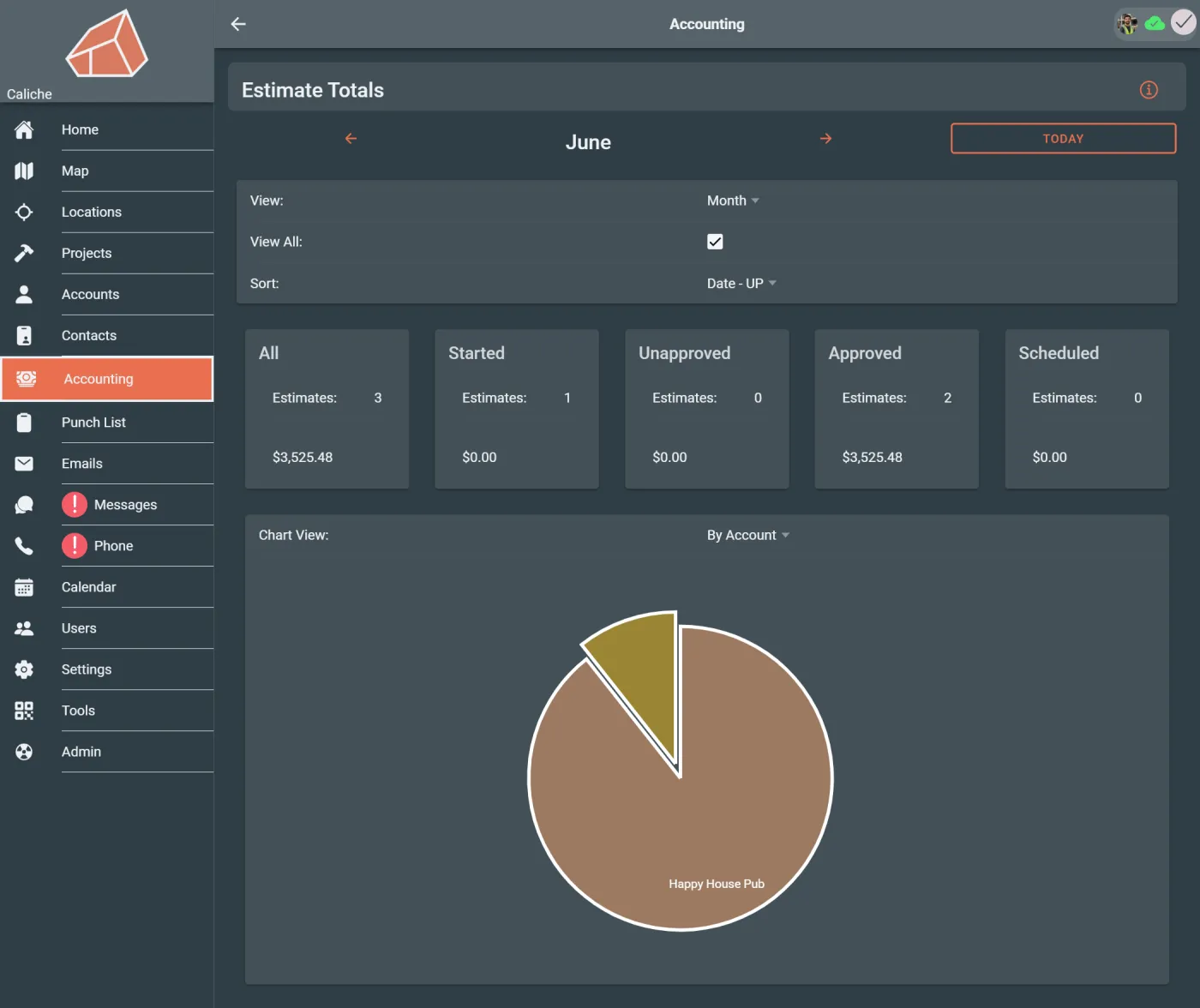
See which estimates still need office attention before work, billing, or follow-up can move forward.
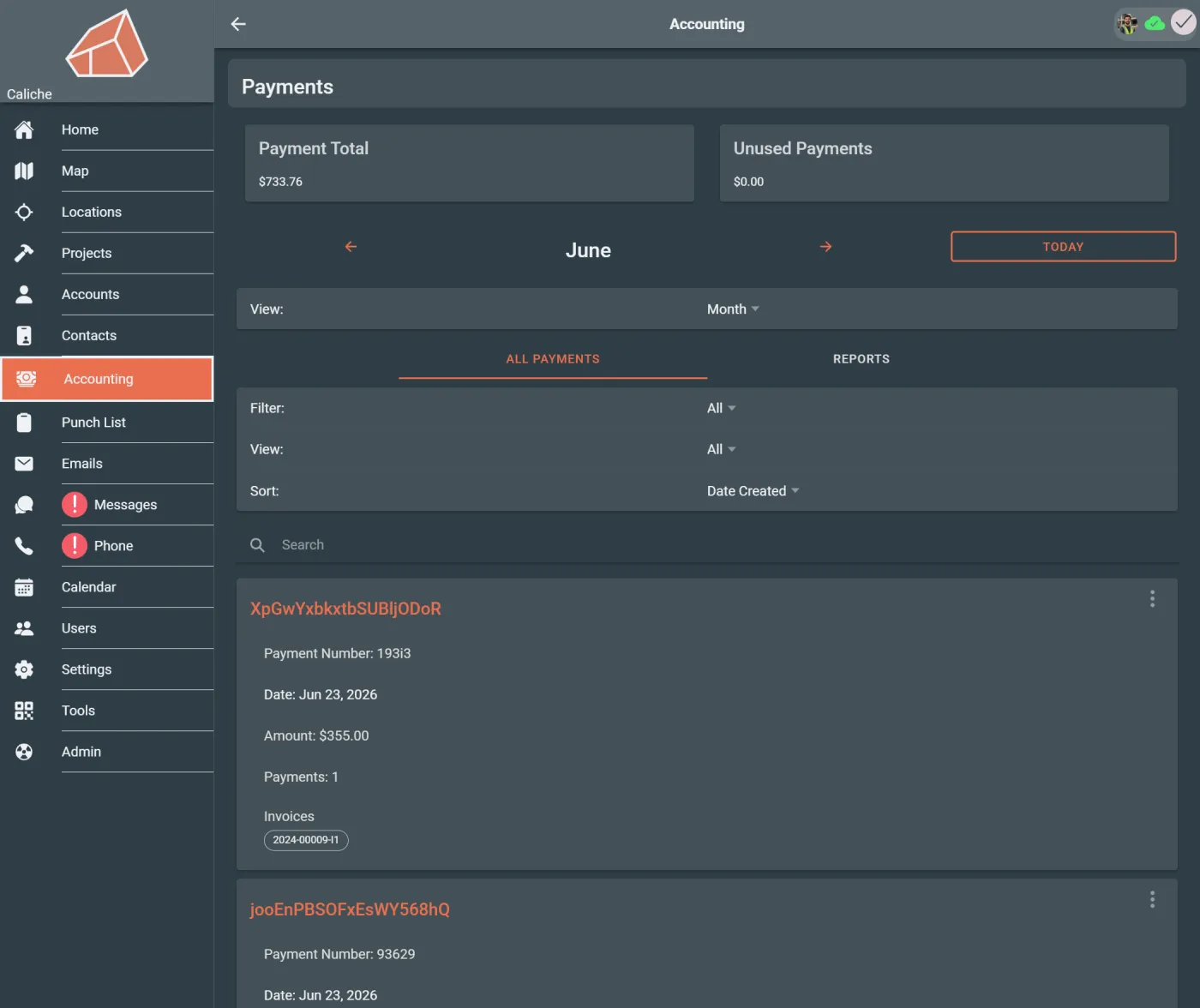
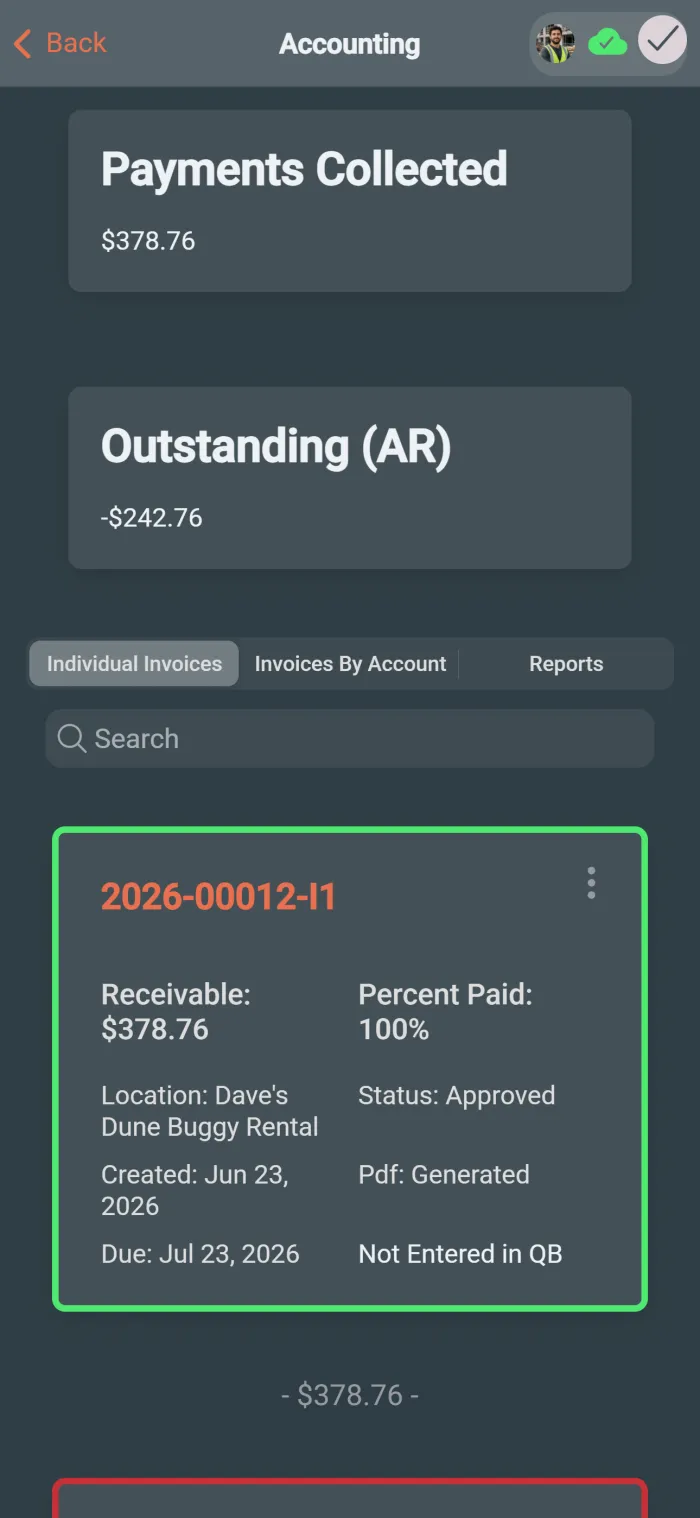
Review payment records and billing context when a customer or manager asks whether a project has been paid.
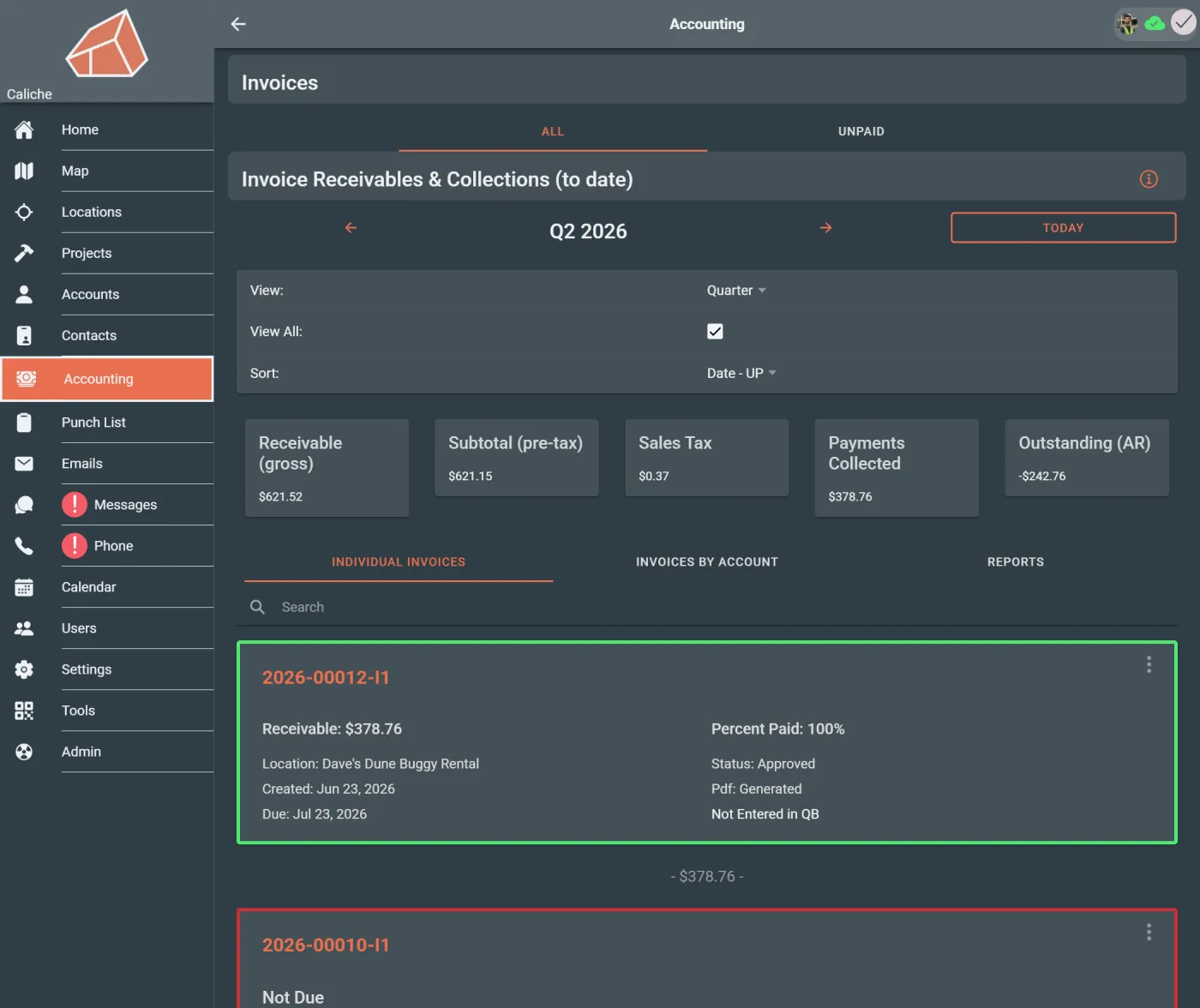
Identify invoices that still have money due so the office can follow up.
Use invoice and payment context to spot records that need collection attention.
Review estimates, invoices, payments, and project context together instead of rebuilding the billing trail from separate systems.
Workflow example
A customer approves an estimate and the office needs to invoice the work. An office manager opens the estimate list, finds the approved estimate, creates or starts the invoice, checks the related project context, and later reviews payment records to see whether follow-up is needed.
Instead of chasing estimate status, invoice history, and payment records separately, the billing workflow stays closer to the project.
Team outcomes
Who uses this
Questions
Yes. Caliche keeps estimates, invoices, payments, and project records close to the billing workflow so teams can review billing context with project context nearby.
Yes. Payment records and invoice balances can be reviewed so office teams, owners, and project managers can understand what has been paid and what still needs follow-up.
Yes. Invoice and payment views can help teams identify records that still have unpaid balances.
No. Office managers often manage the billing workflow, but owners and project managers may also review billing context depending on their role, workflow, and permissions.
Next step