Built for
- Operations Manager
- Project Manager
- Office Manager
- Dispatcher

Communication
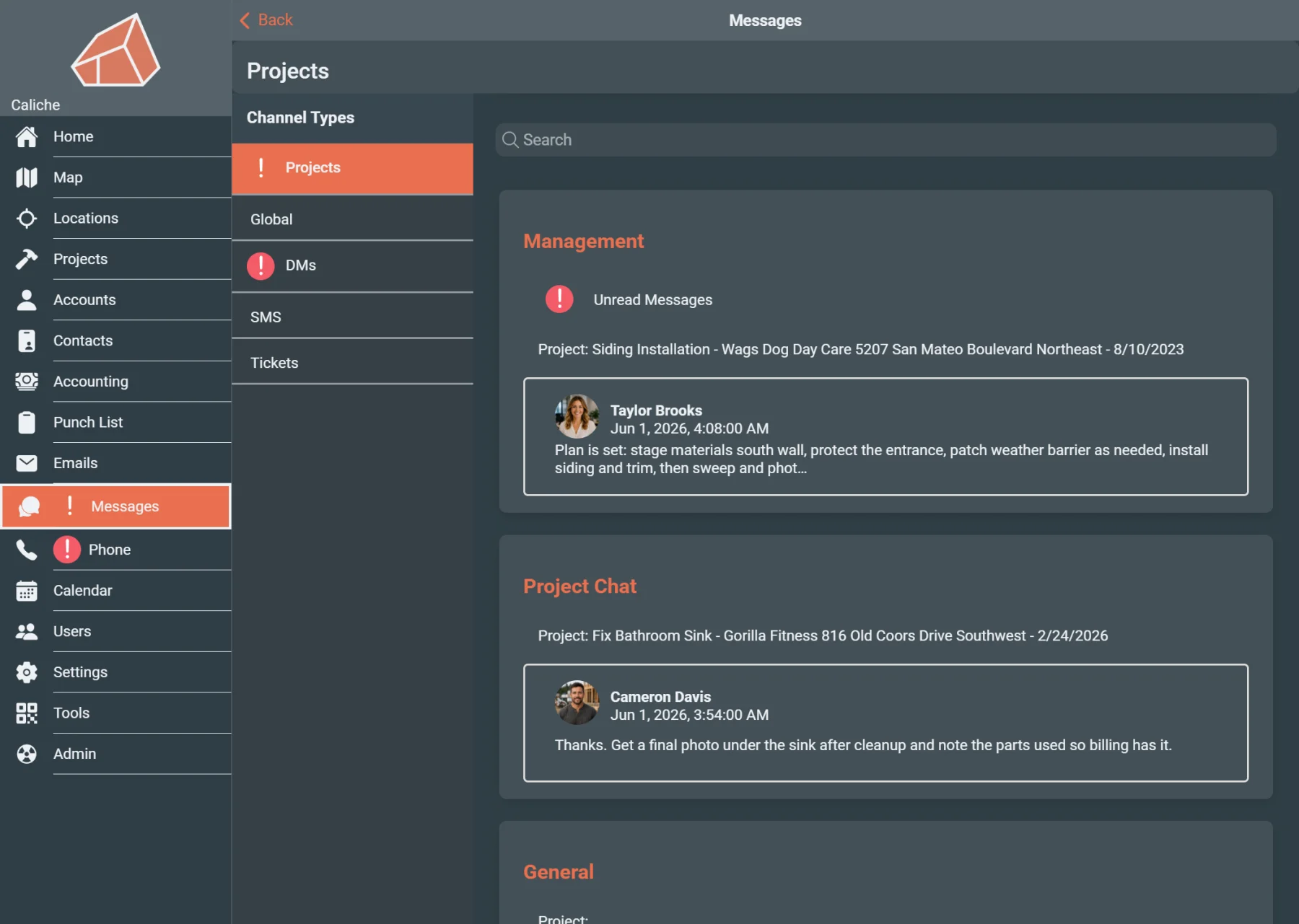
Keep project messages, email, contact communication, unread items, and channel conversations connected to the jobs and customers they belong to.
Built for
Helps with
Executive summary
Give office teams, project managers, dispatchers, and operations staff a clearer way to review customer messages, project email, unread items, and team conversations in the context of the work they affect.
Why it matters
A customer asks what was last decided on a job. The field update is in one place, the office reply is in another, and the project manager has to search through messages, email, and side conversations before anyone can respond with confidence.
When communication is separated from the project, teams lose time answering basic questions:
Caliche keeps communication closer to the project, contact, and operational records it affects.
Capabilities
Review customer communication before returning a call, sending a reply, or making a project decision.
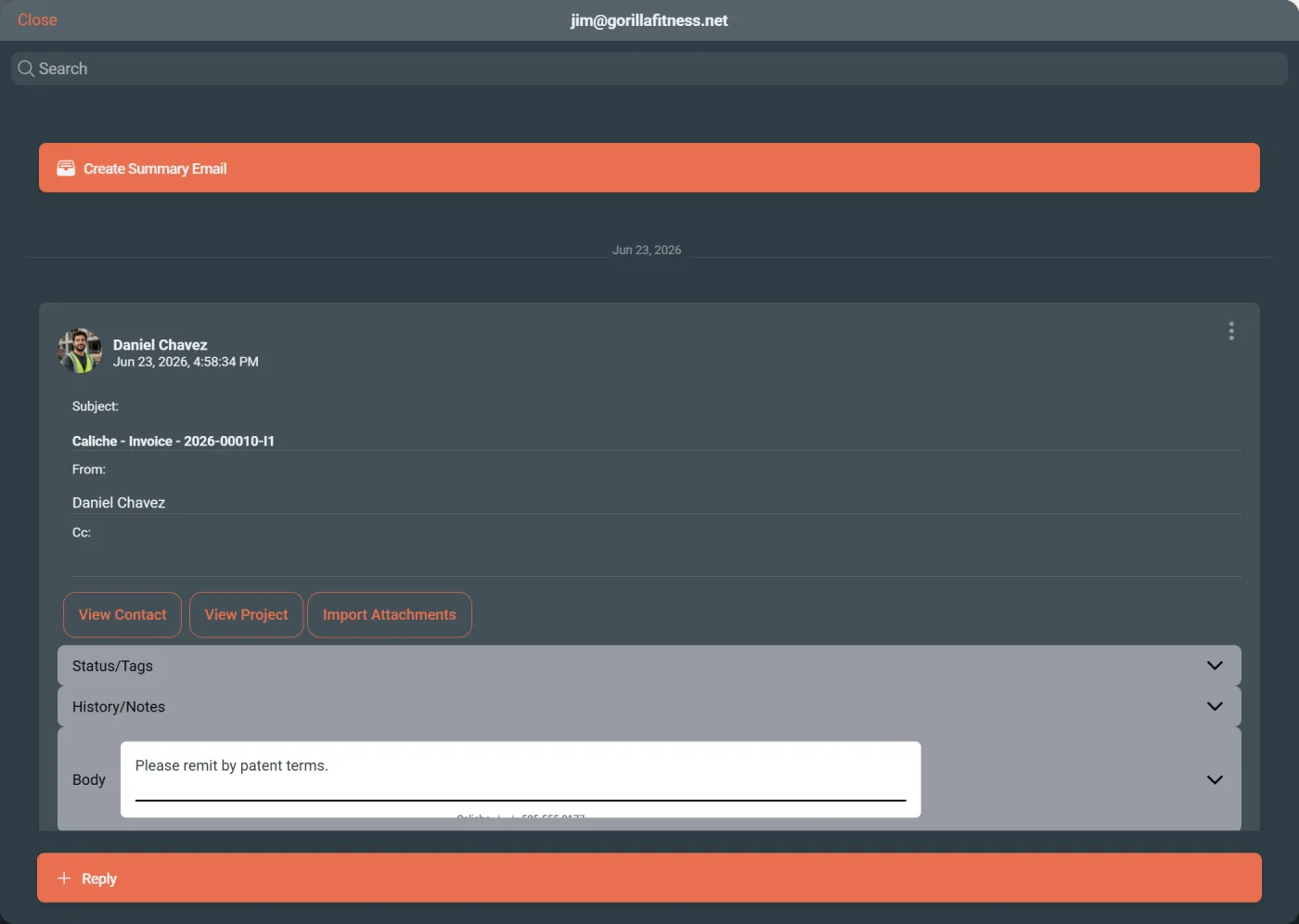
Keep project email easier to find from the work record instead of searching through a separate inbox.
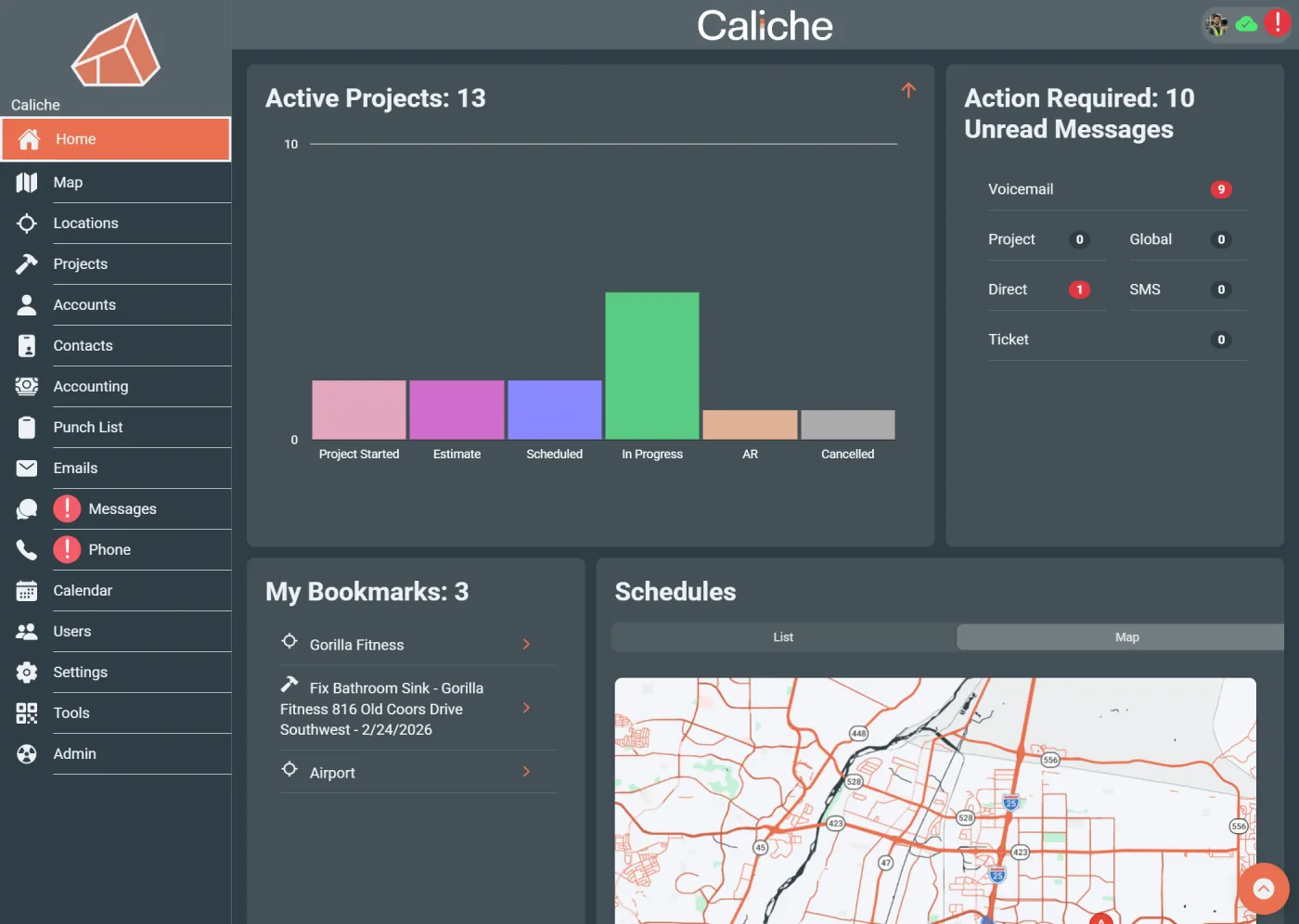
Use unread indicators to identify messages, emails, or conversations that still need attention.
Share project or field updates with the people who need them without separating the conversation from the work.
Preserve customer questions, office replies, field updates, and project decisions so the team can review them later.
Tie field updates, office follow-up, customer context, and project records together so communication does not get lost between teams.
Workflow example
A customer calls asking what was last decided on a project. An office manager opens the related communication, reviews the latest messages and project email, checks unread items, and responds with the right context instead of searching through separate inboxes or asking the project manager to reconstruct the conversation.
Team outcomes
Who uses this
Questions
Yes. Caliche helps keep project messages and communication context closer to the job record so teams can review conversations alongside the work they affect.
Yes. Project email can be reviewed in the context of the job, helping office staff and project managers find customer communication without relying only on a separate inbox.
Yes. Unread indicators help users identify communication that still needs attention.
No. Messaging and email support customer context by keeping communication closer to contacts, projects, dispatch workflows, and operational records.
Operations managers, project managers, office managers, and dispatchers use messaging and email to review project communication, answer customer questions, coordinate field updates, and track follow-up.
Next step