Built for
- Office Manager
- Dispatcher
- Operations Manager

Communication
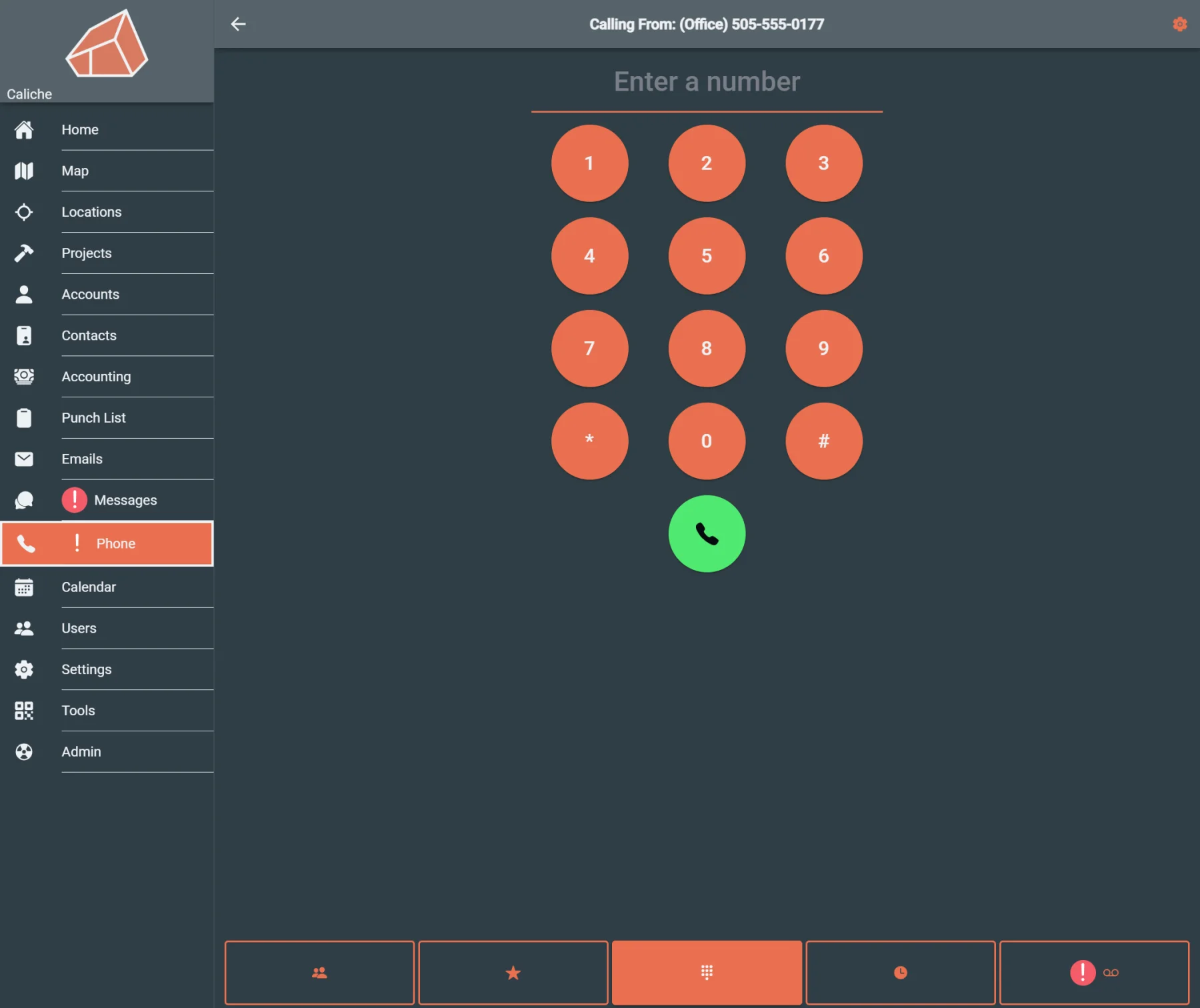
Give dispatch and office teams one place to review calls, voicemail, call logs, and customer follow-up alongside contact and project records.
Built for
Helps with
Executive summary
Give dispatch and office teams one place to review calls, voicemail, call logs, and customer follow-up alongside the contacts and project records they already use.
Why it matters
A customer calls about a job, leaves a voicemail, or needs a callback. If call history lives in a separate phone system, dispatch and office teams have to manually connect the call to the customer, project, and follow-up work.
That creates missed callbacks, duplicated follow-up, and slower customer response.
Caliche keeps phone activity closer to contact, messaging, dispatch, and project workflows so customer communication does not get separated from the work it affects.
Capabilities
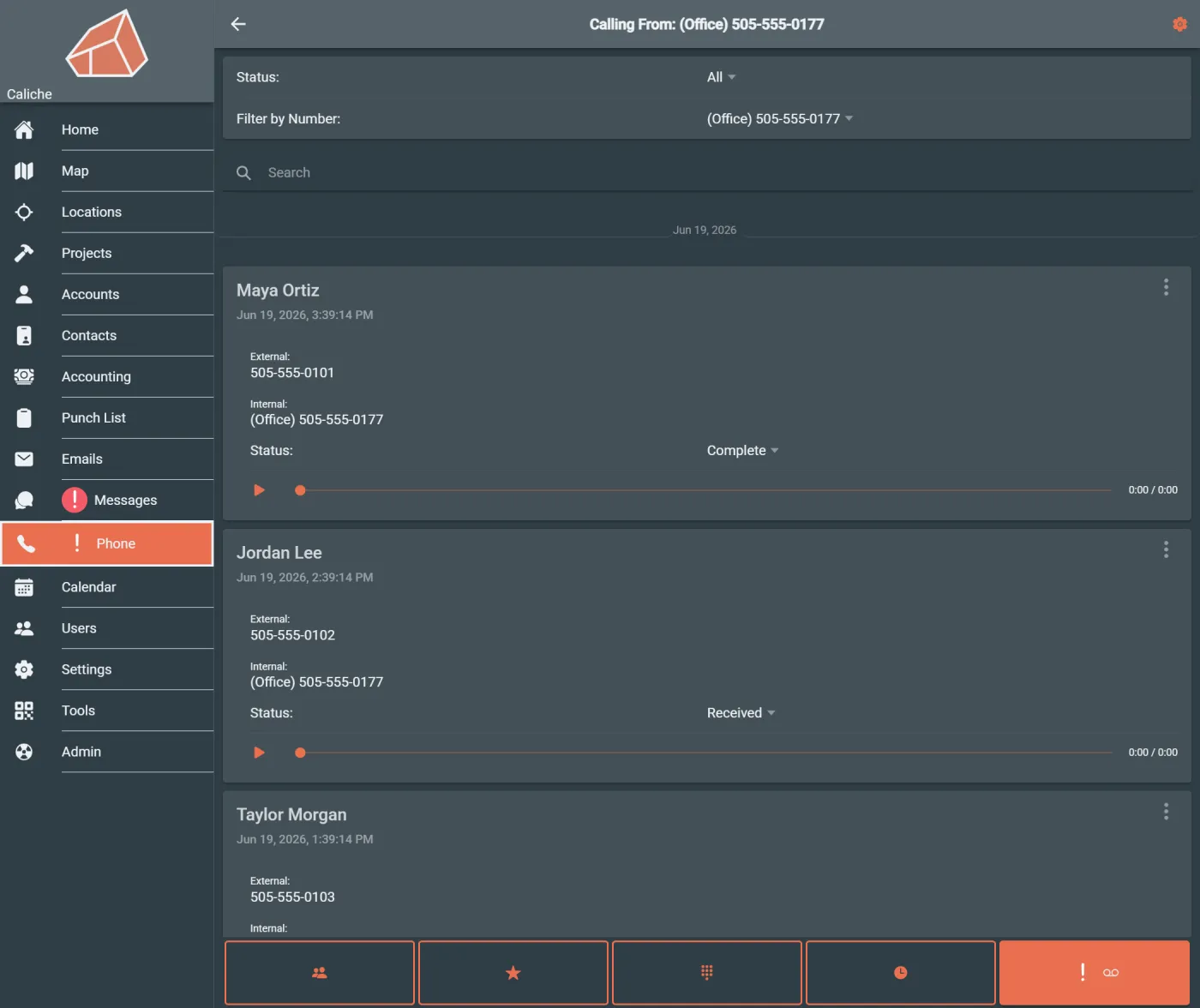
Find voicemail and call log context before customer follow-up slips through the cracks.
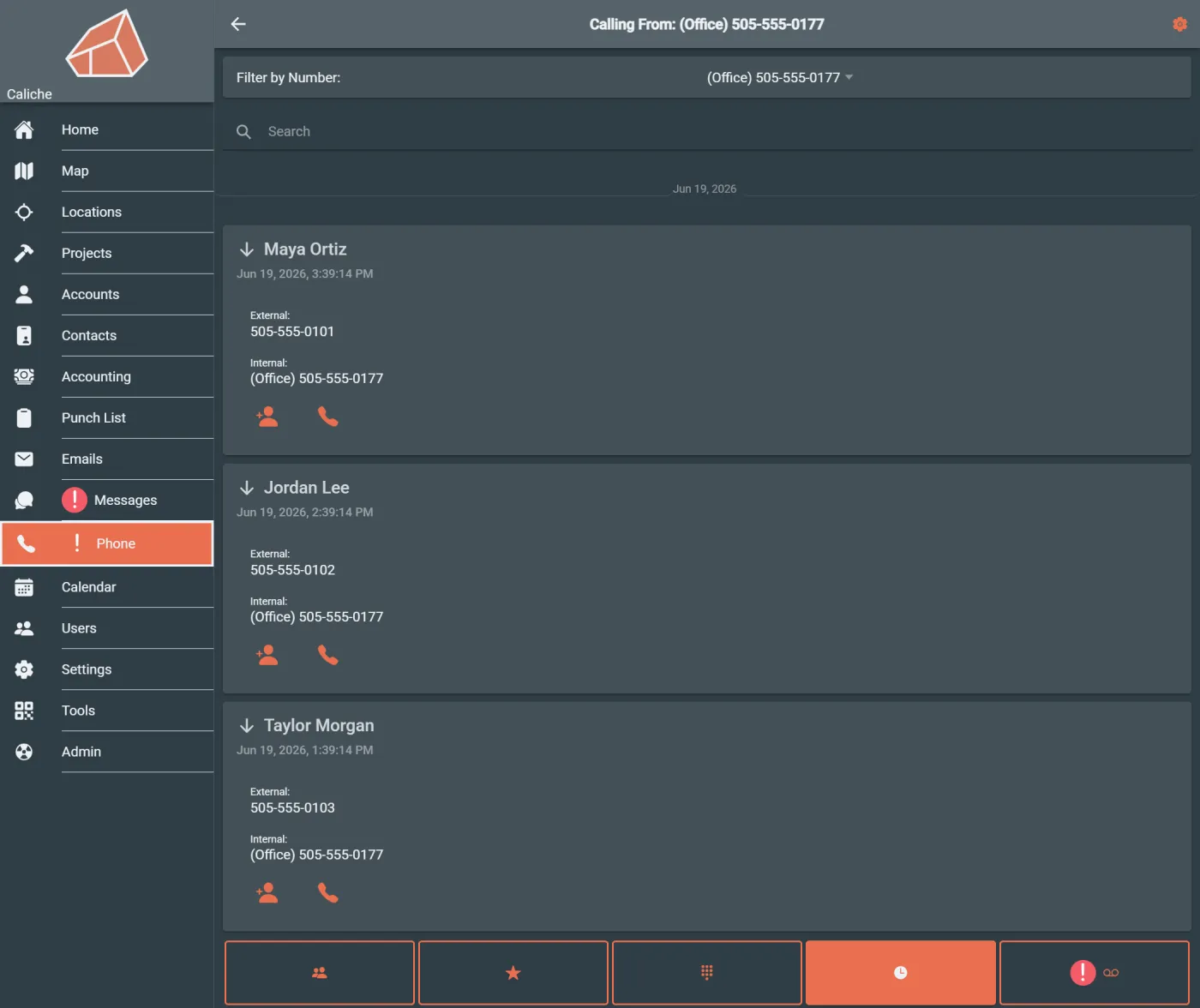
Review call history when a customer question, dispute, or callback comes up.
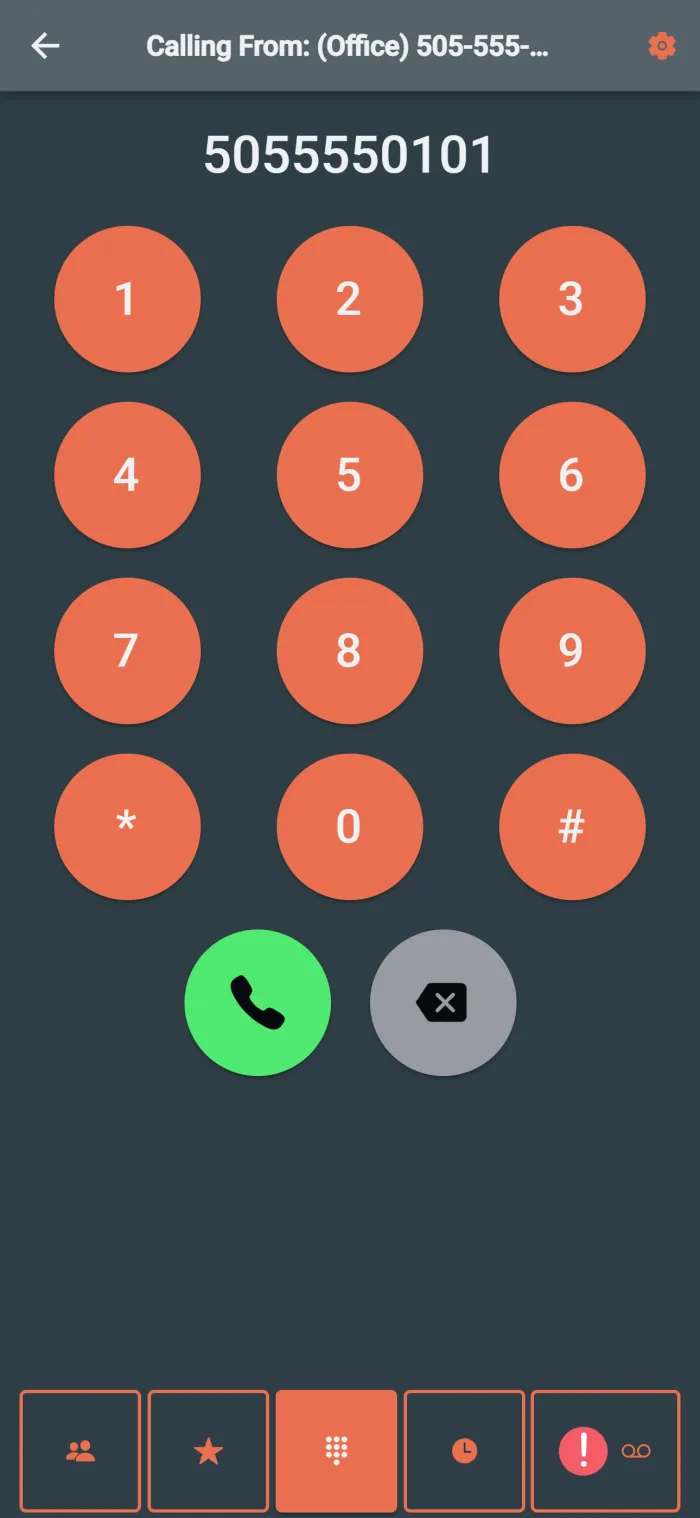
Give dispatch and office staff a place to make customer calls without jumping out of Caliche.
Use phone activity alongside contact, messaging, and project context instead of leaving call history in a separate system.
Help dispatchers review call activity near the workflows they already use for crews, customers, and jobs.
Workflow example
A customer leaves a voicemail asking about a job. An office user opens the phone workspace, reviews the voicemail and call log, checks the surrounding contact context, and follows up without having to search through a separate phone system.
Team outcomes
Who uses this
Questions
Yes. Caliche keeps phone activity close to contact, messaging, dispatch, and project workflows so office teams can review calls and follow-up context without switching systems.
Yes. Office and dispatch users can review voicemail as part of the phone workspace, helping the team find missed calls that still need follow-up.
Yes. Call log views help teams review recent customer communication before callbacks, project follow-up, or customer questions.
Office managers and dispatchers are the primary users. Operations managers may also use call history and voicemail visibility to understand whether customer follow-up is being handled.
Next step