How to Complete Required Work for an Assignment
Learn how to find your required work on a Caliche assignment, satisfy its requirements, and mark it complete as an employee.
Open Assignment
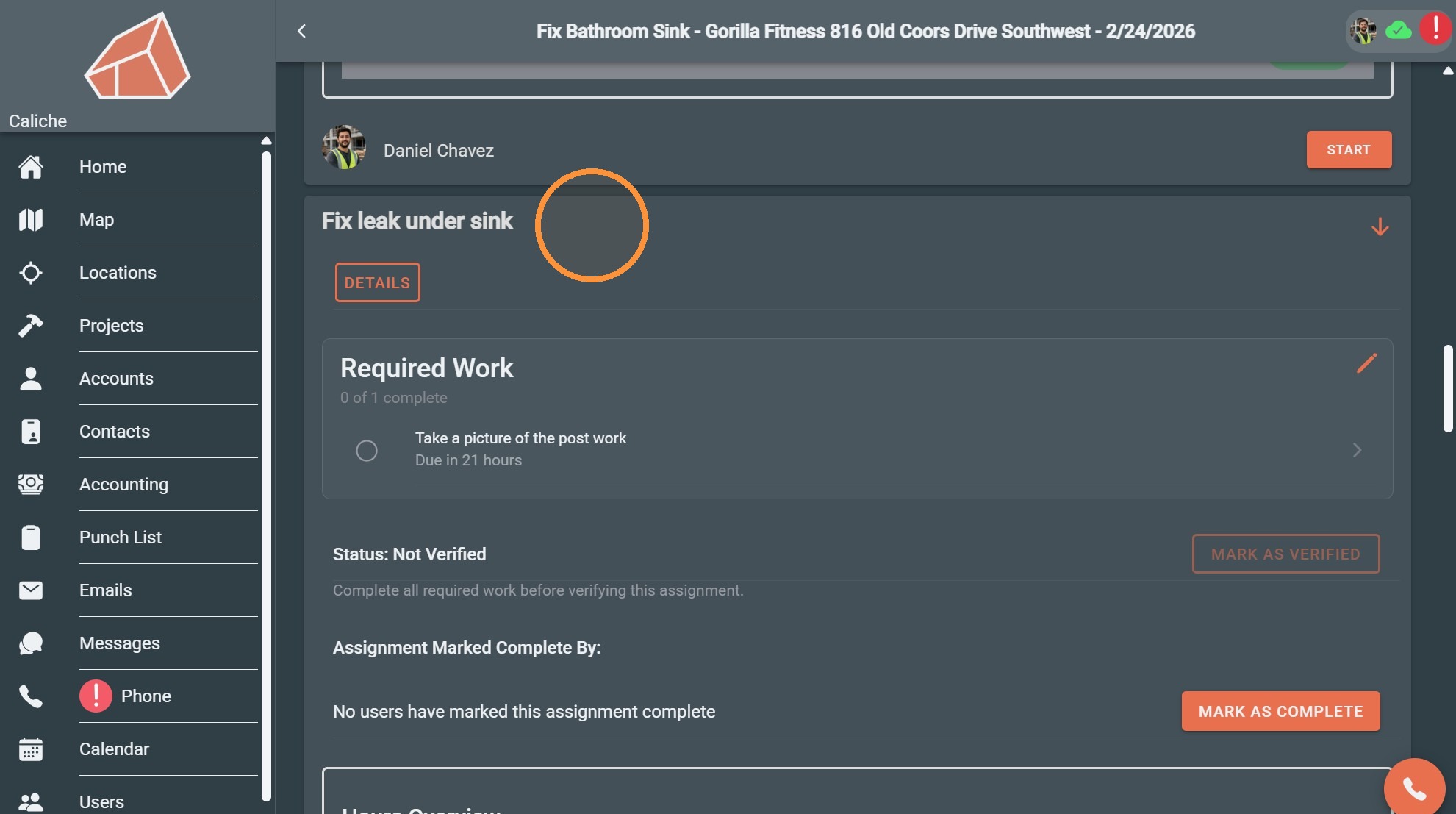
1. Go to the assignment that has required work
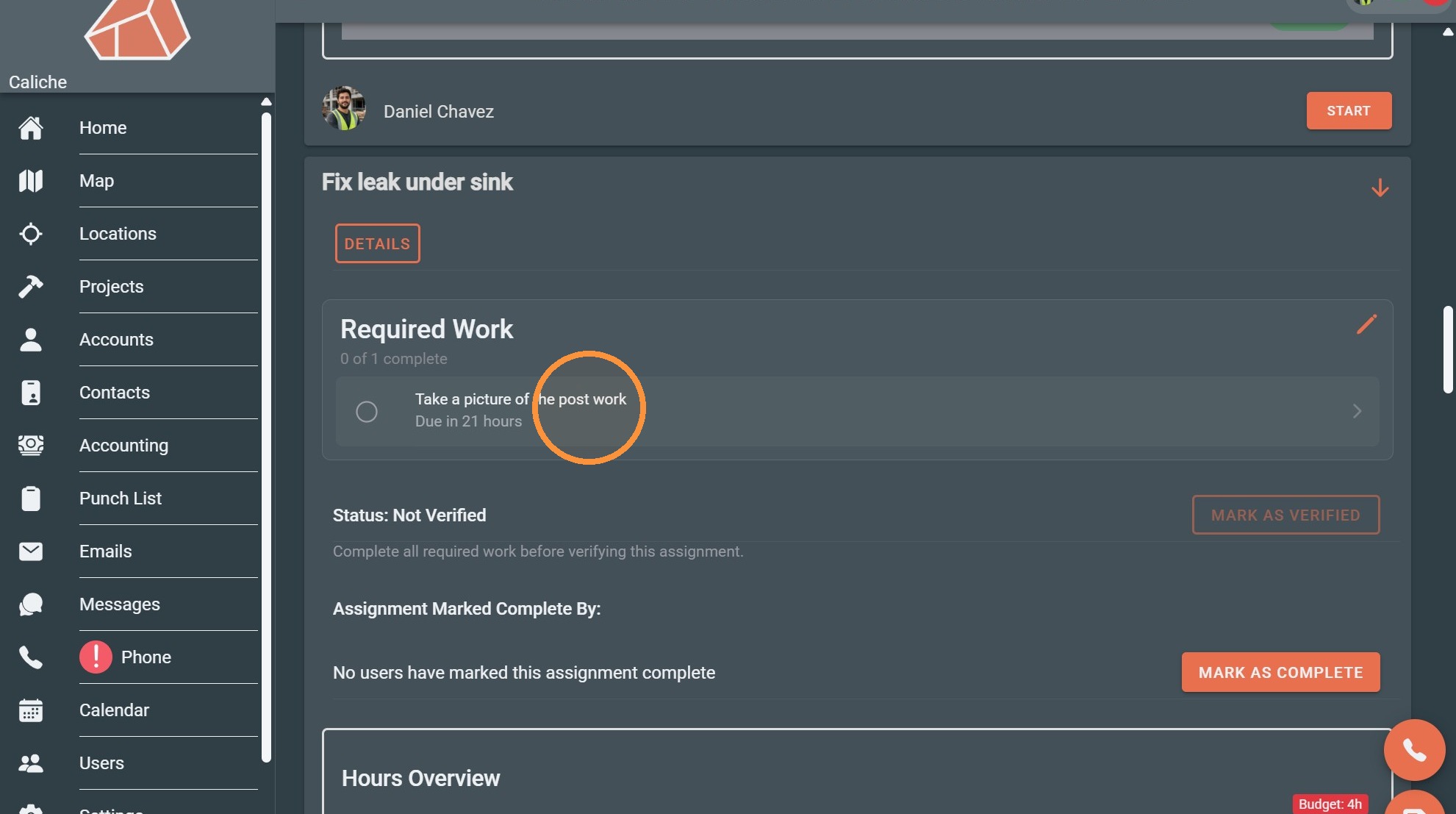
2. Click on the required work to open it
Add Photo Evidence
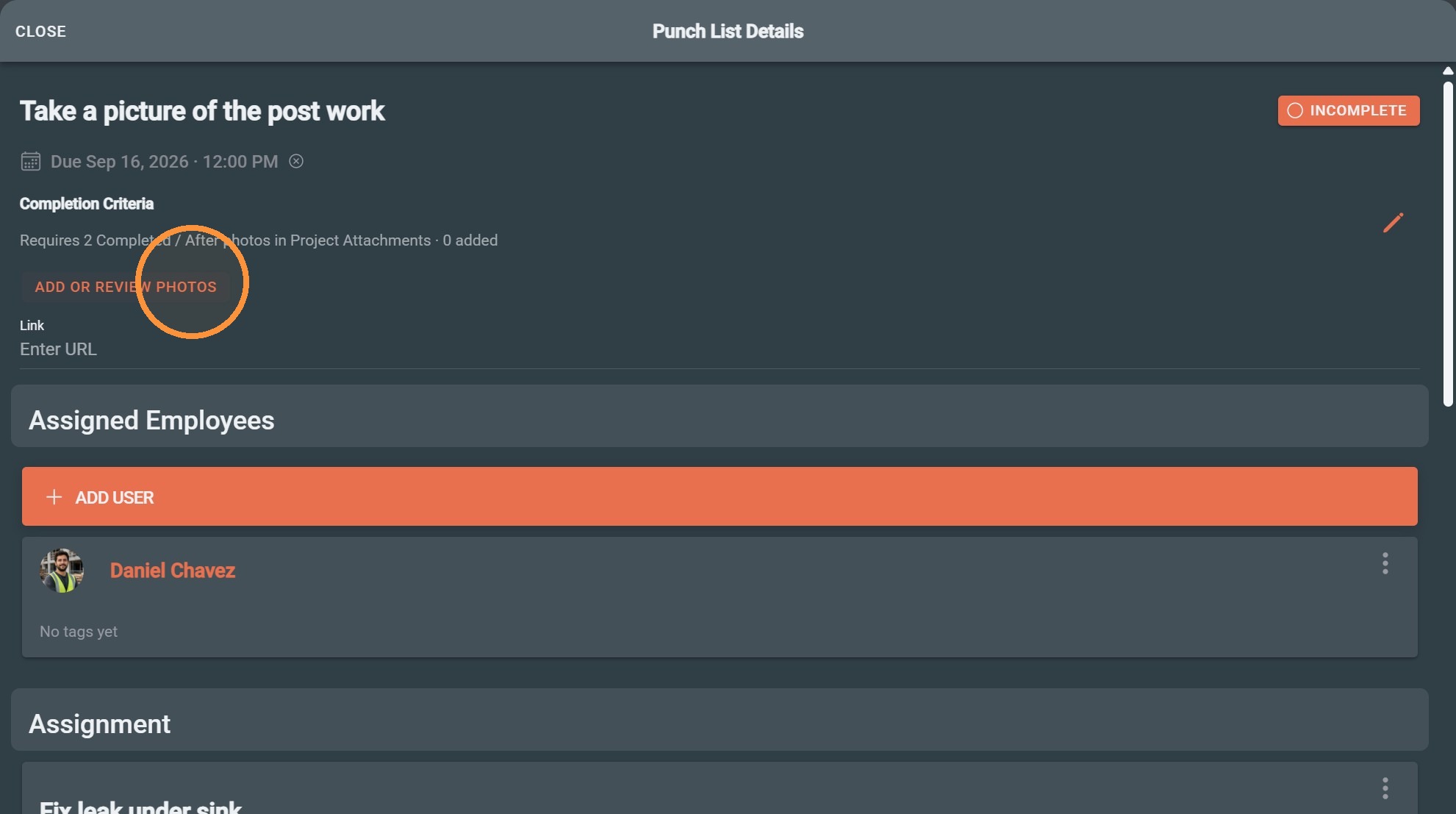
3. This work requires 2 "Completed /After" status photos.
Click "Add or review photos" to add the photos
4. Click "Browse Files"
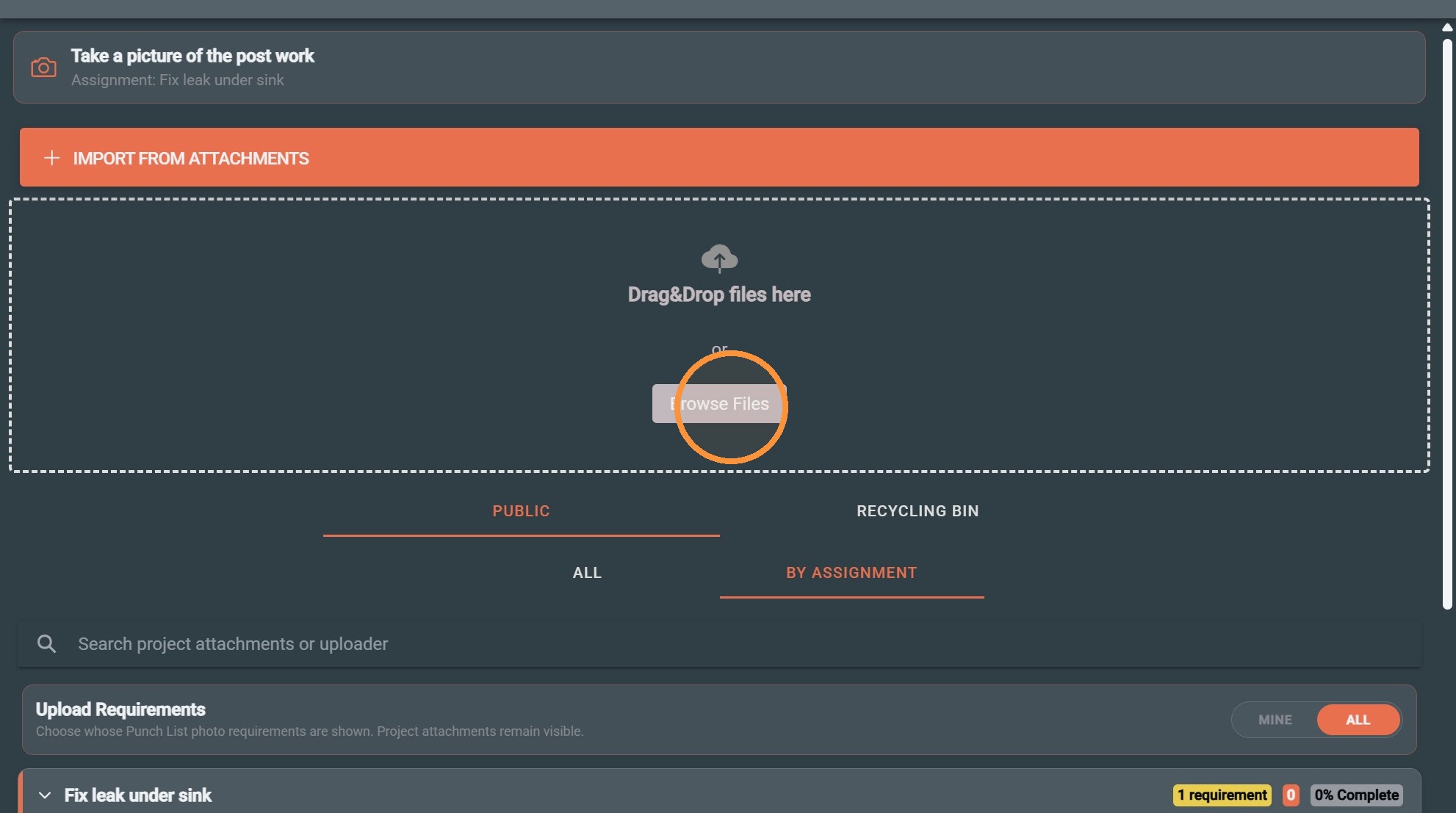
5. Select the uploaded post-work photo and set the status to "Completed / After". The assignment will automatically be added to the attachment.
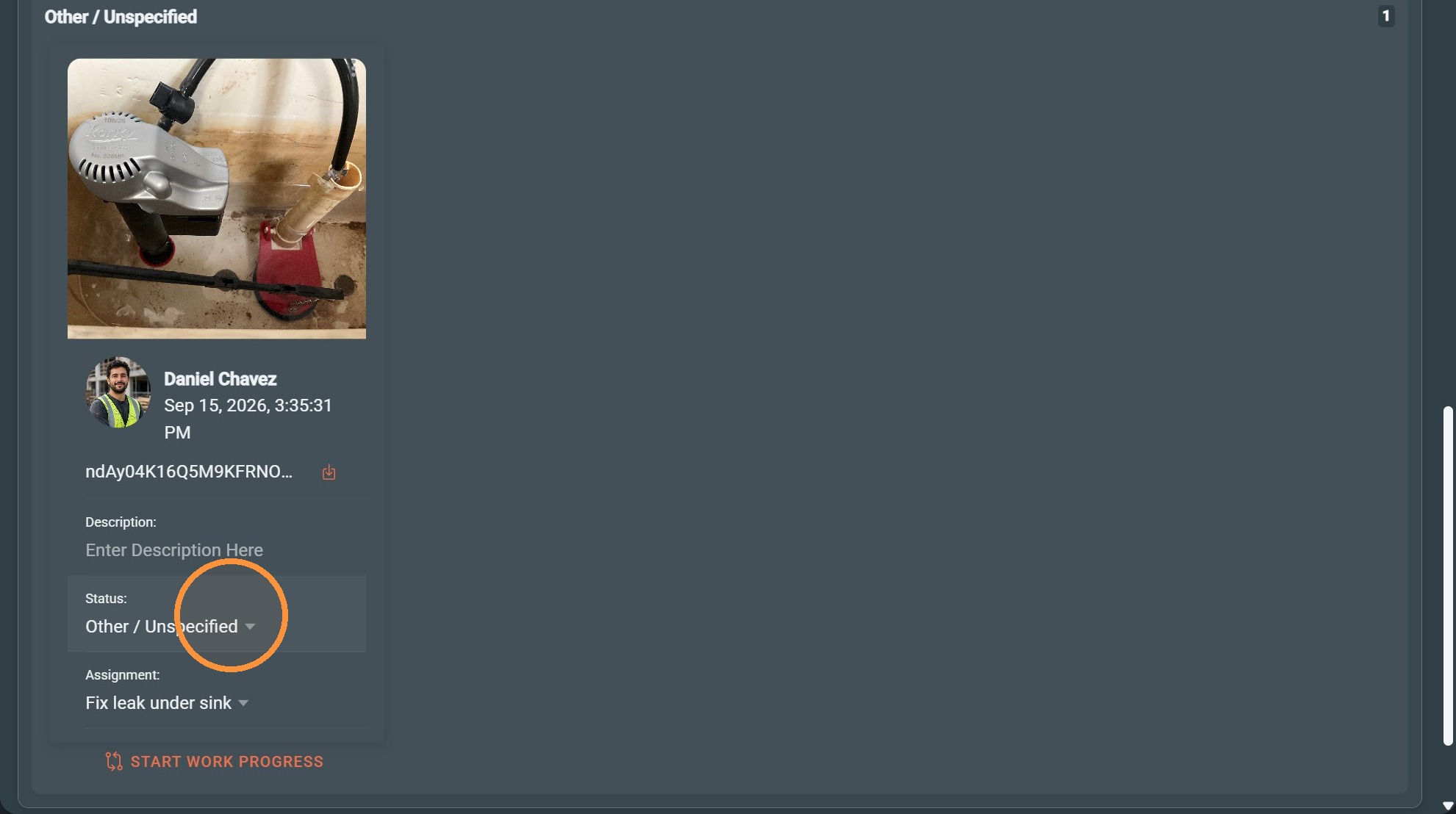
Classify Photos
6. Click "Completed / After"
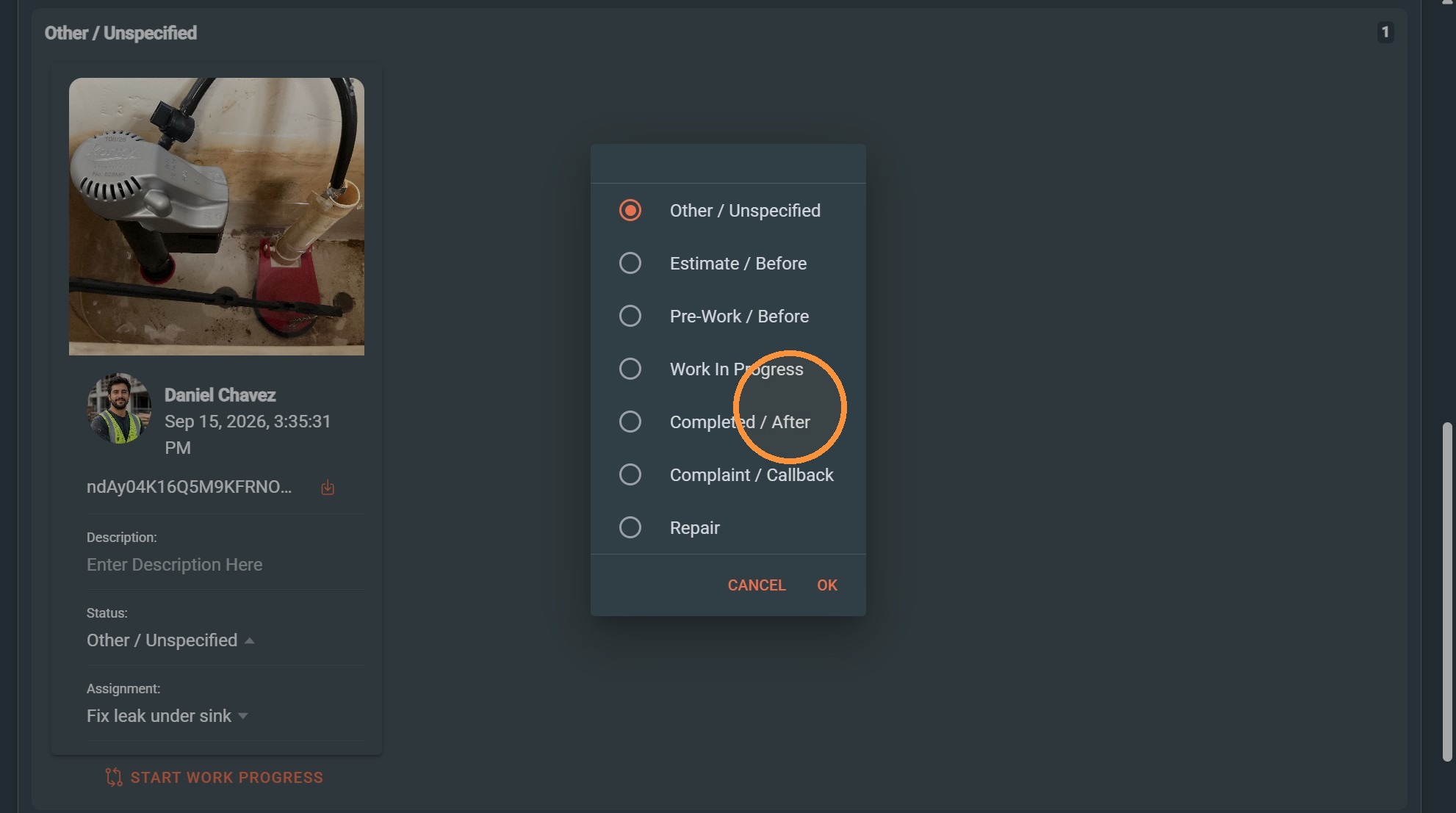
7. Click "OK"
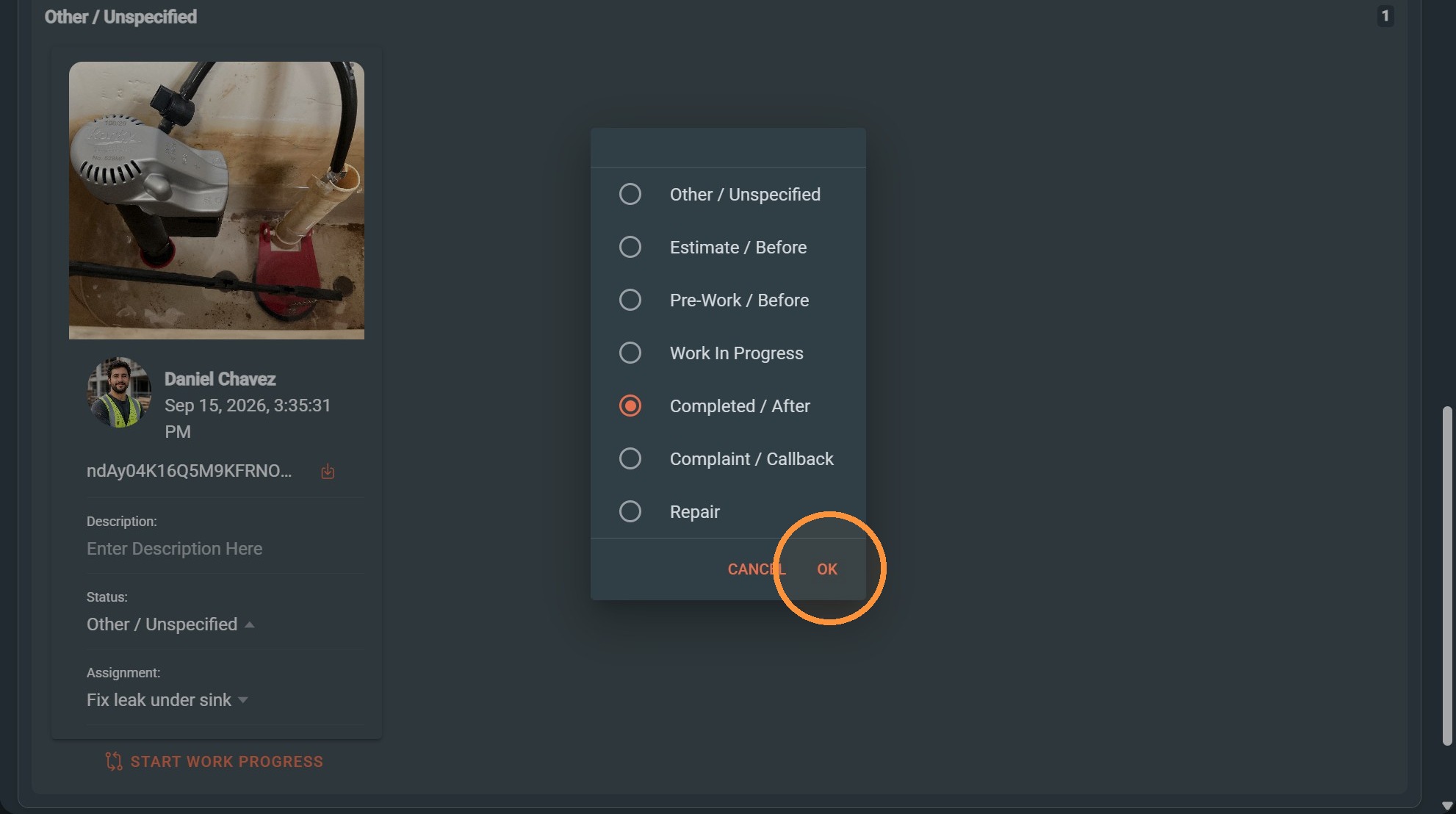
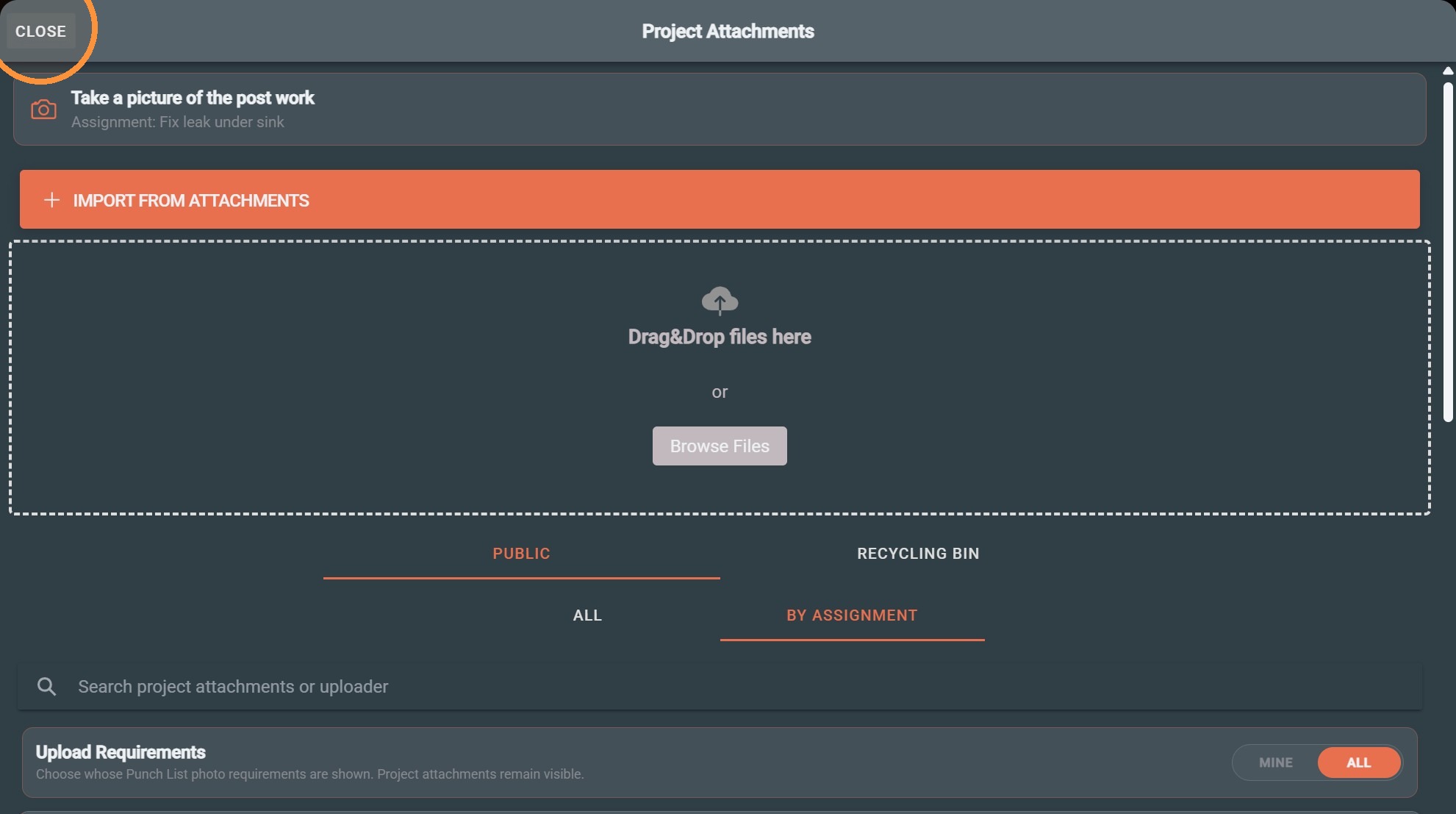
8. Click "Close"
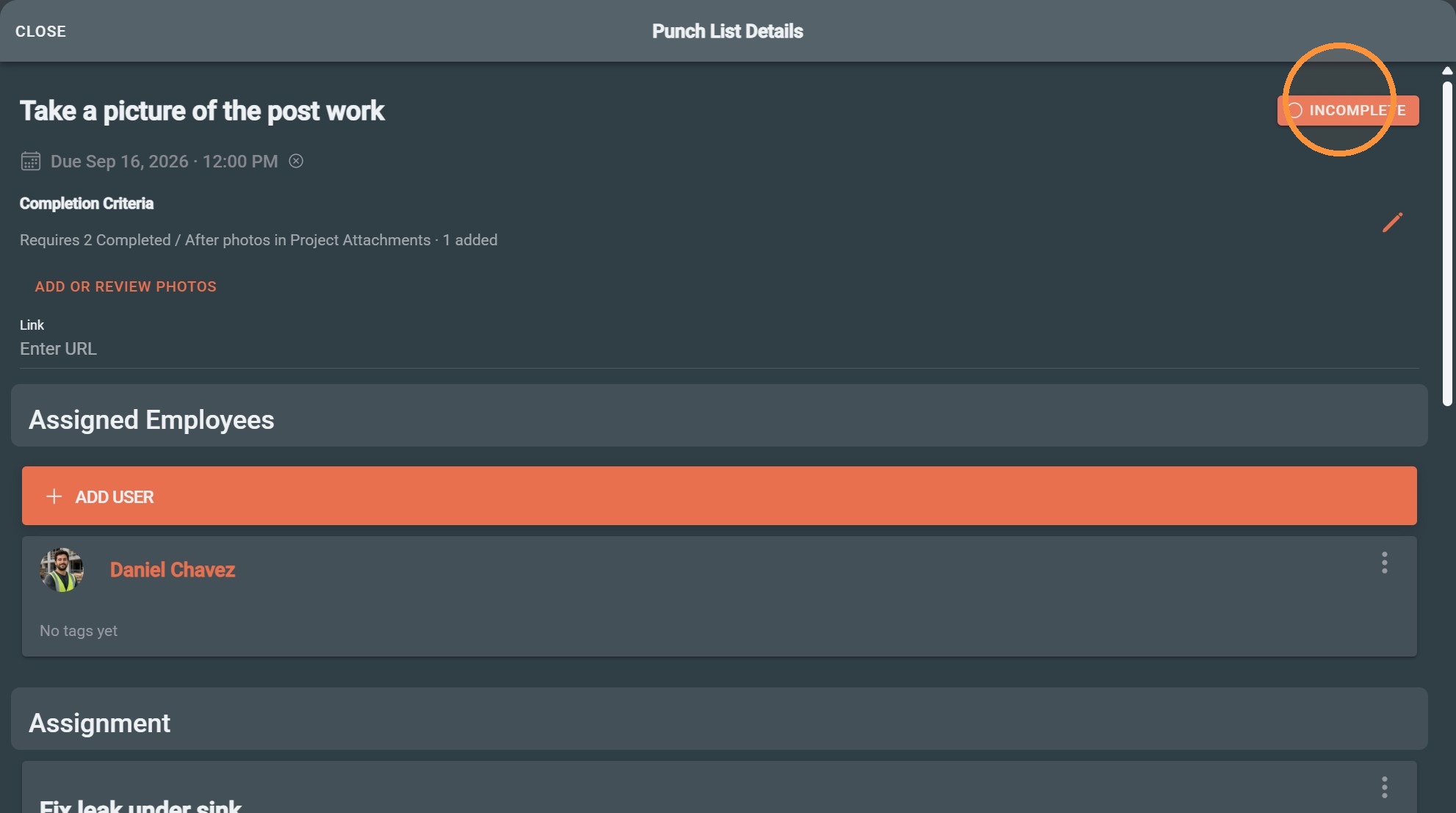
9. Click Incomplete to mark the punch-list item complete.
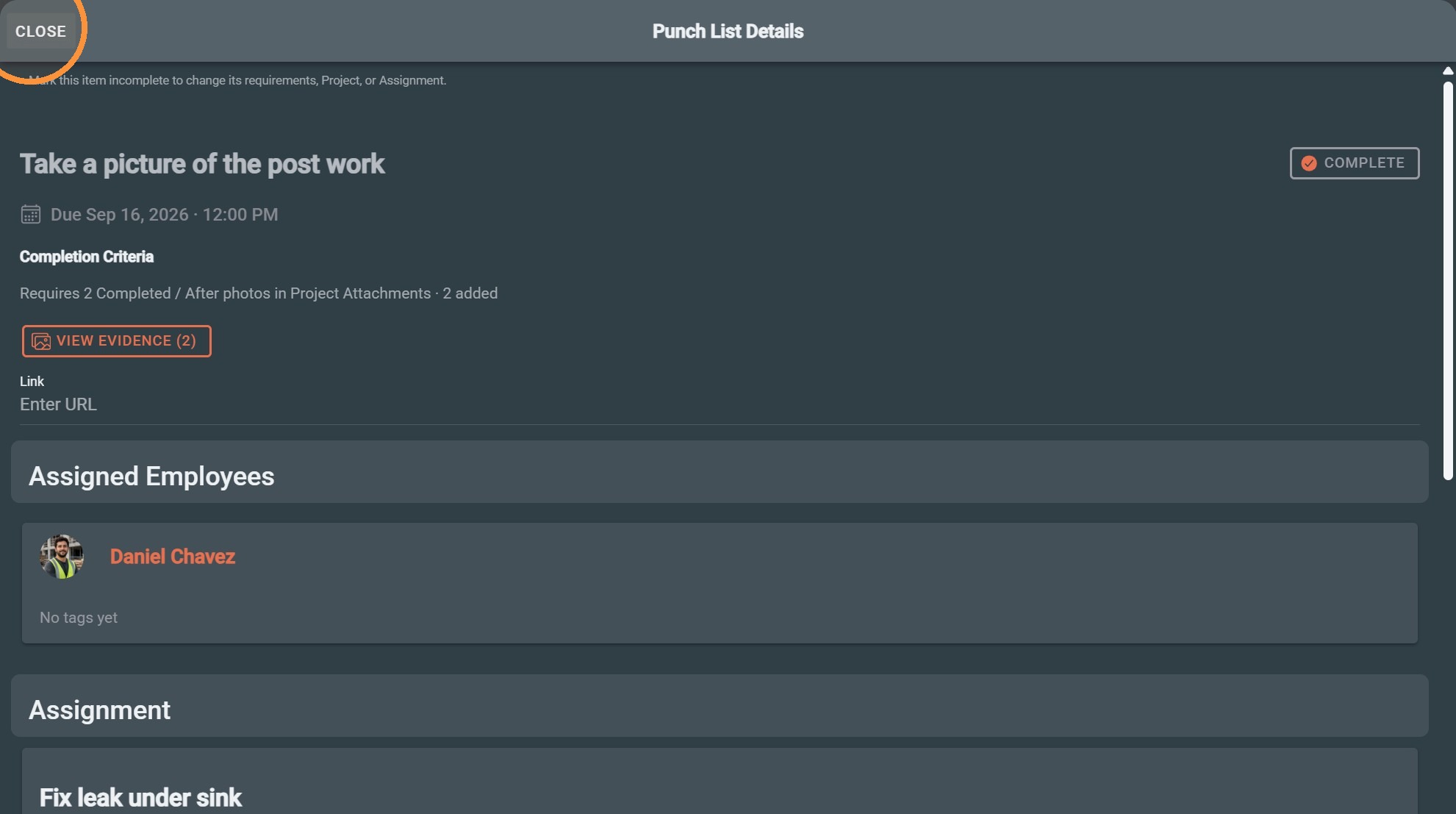
10. Click "Close"
Verify Completion
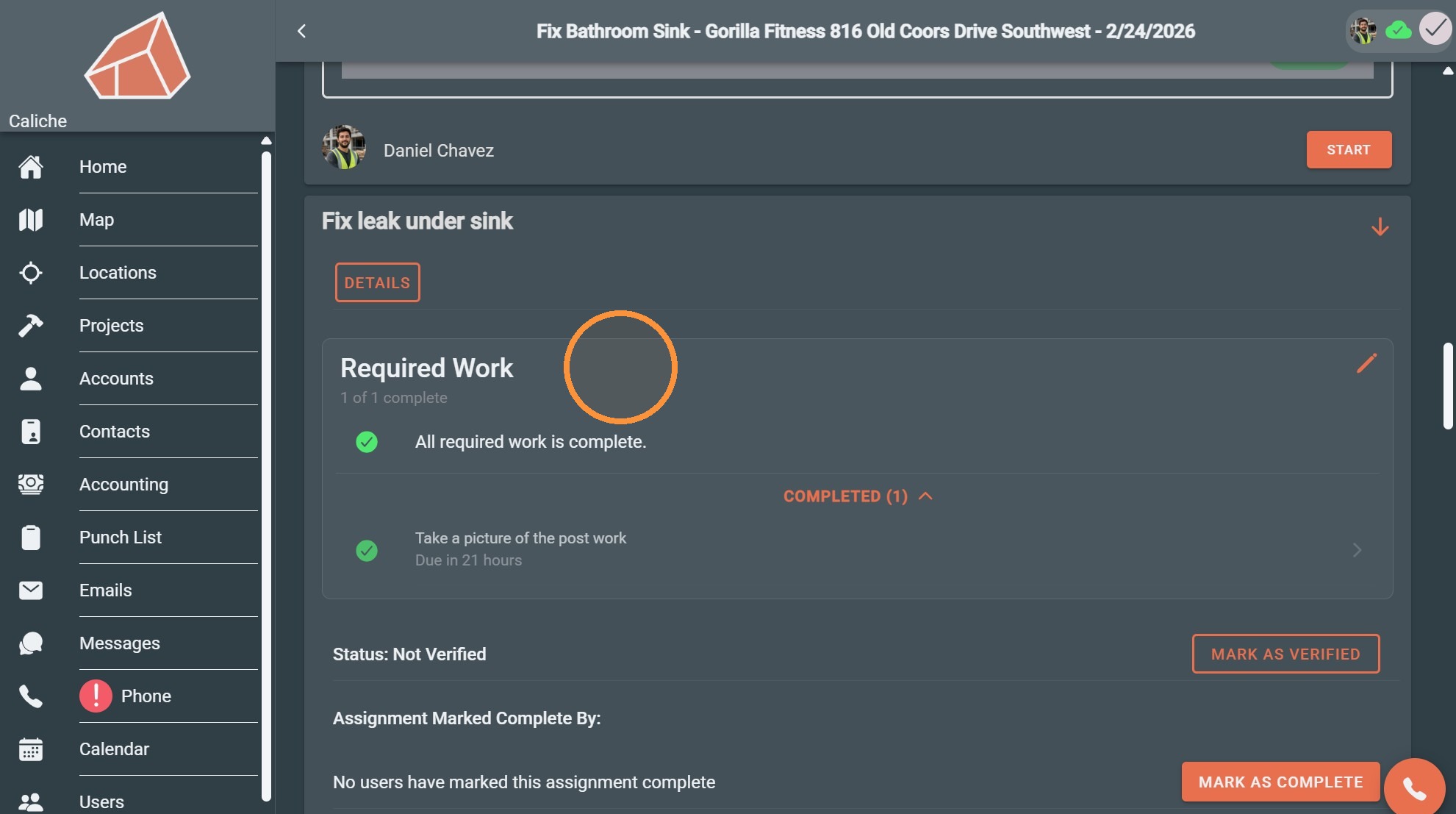
11. The work will now show as completed
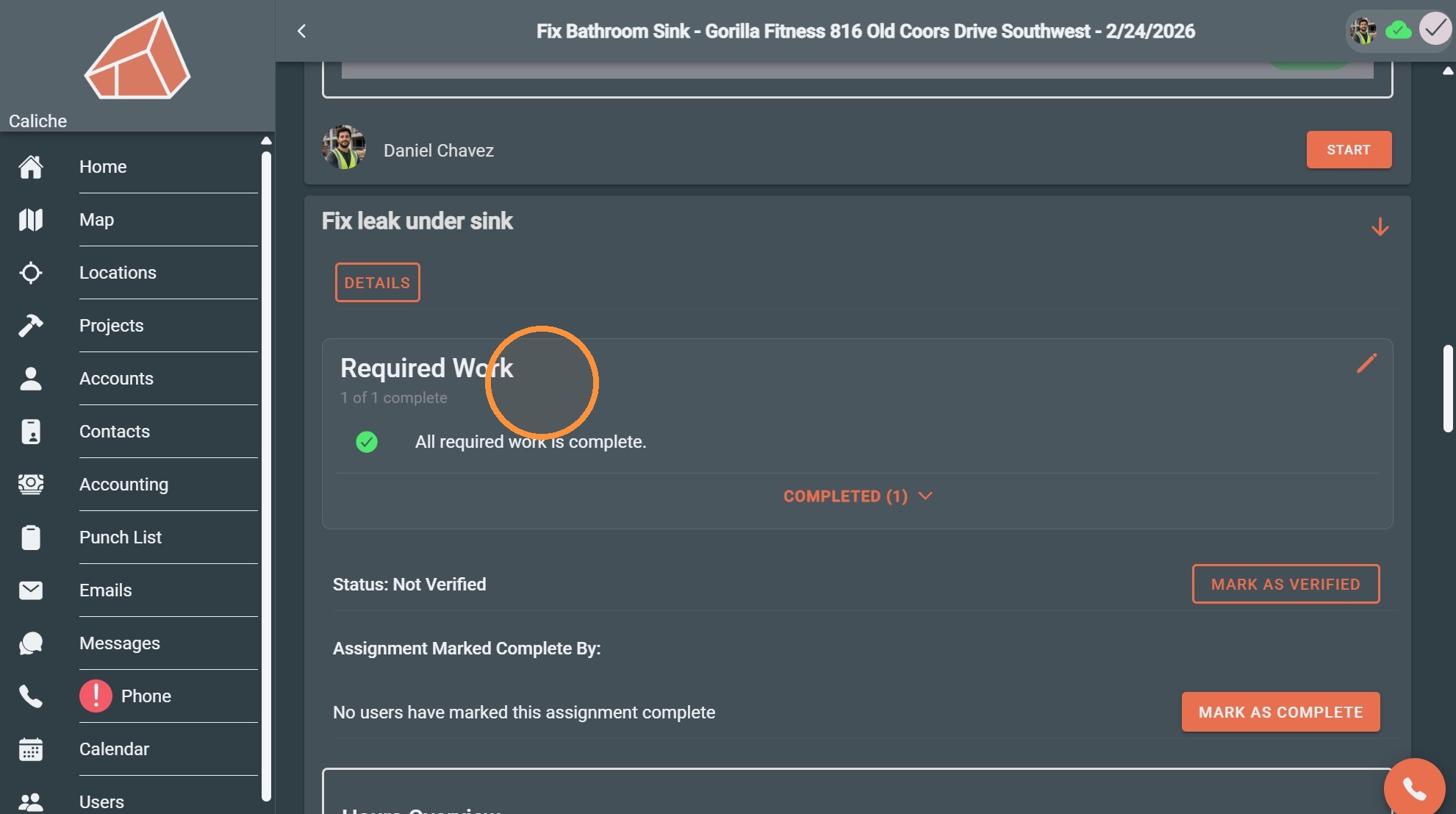
12. Expand Required Work to view the completed item.